
workspace/flow.py from your scratch_work/*.py files and conversation history. This is the file executed in production runs.
Productionizing the flow
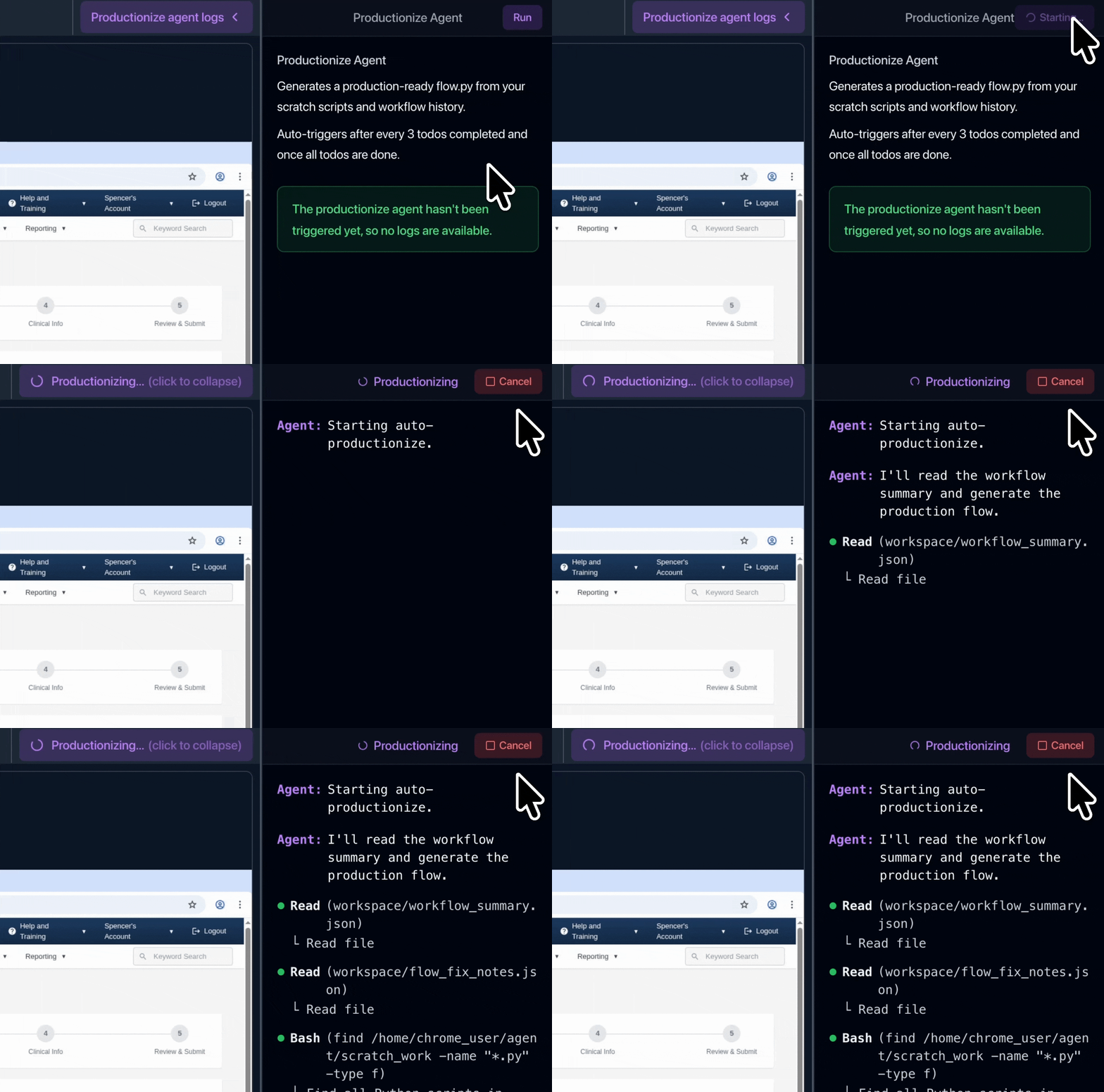
The productionize agent auto-triggers to run every two TODOs and also after all TODOs are completed. You can view production agent logs in the editor.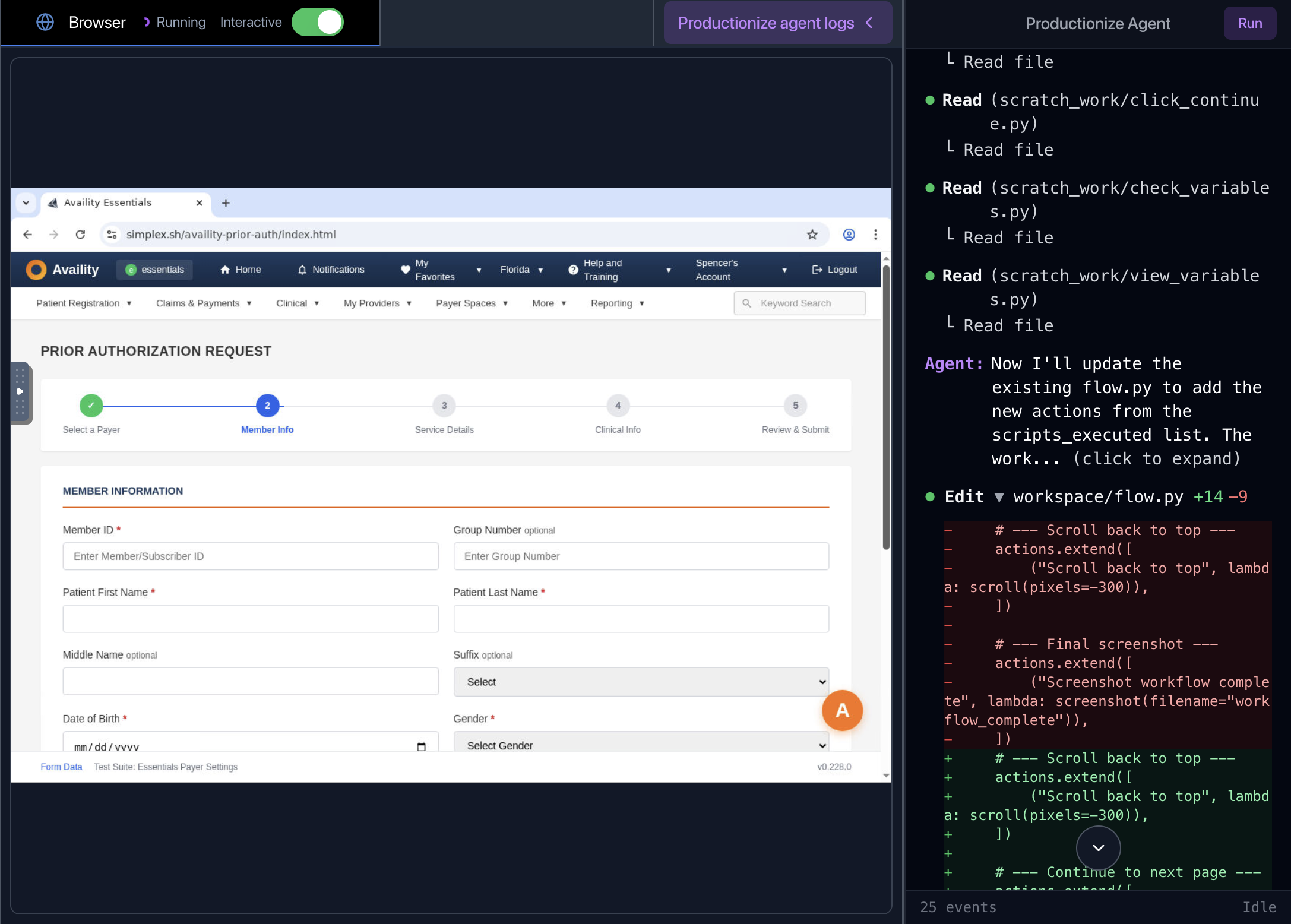
Running production flows
Theworkspace/flow.py file is executed by a lightweight “workflow runner” agent when running a production workflow session.
This workflow runner agent has self-healing capabilities to handle minor page changes, including longer page load times, scrolling if element placements have changed, and handling popups.
For major changes (i.e. page is down or has changed completely), the workflow runner agent will return a Failed status. You can view session replay and logs to see what happened and edit the workflow to account for the changes.
How flow.py is structured
Flows are built to be resilient to changes in test data and changes to the page.Variables
For security reasons and to ensure the file handles a large distribution of test data, production flows do not hard code sensitive data or variables.workspace/flow.py
Dropdowns
For dropdowns that are fully loaded on page start, the agent builds a dropdown mapping inworkspace/dropdown_mappings.json that it references in code.
workspace/dropdown_mappings.json
workspace/flow.py
has-text as a selector:
workspace/flow.py
Popups
If the agent encounters popups during editing or in a production run, it automatically dismisses them and adds handling to the production flow.workspace/flow.py
Structured outputs
Define and prompt the agent to use structured output schemas. Learn more about structured outputs.workspace/flow.py