
Building branches
As you build in the editor, Simplex infers and builds branches in the productionflow.py file from your conversation.
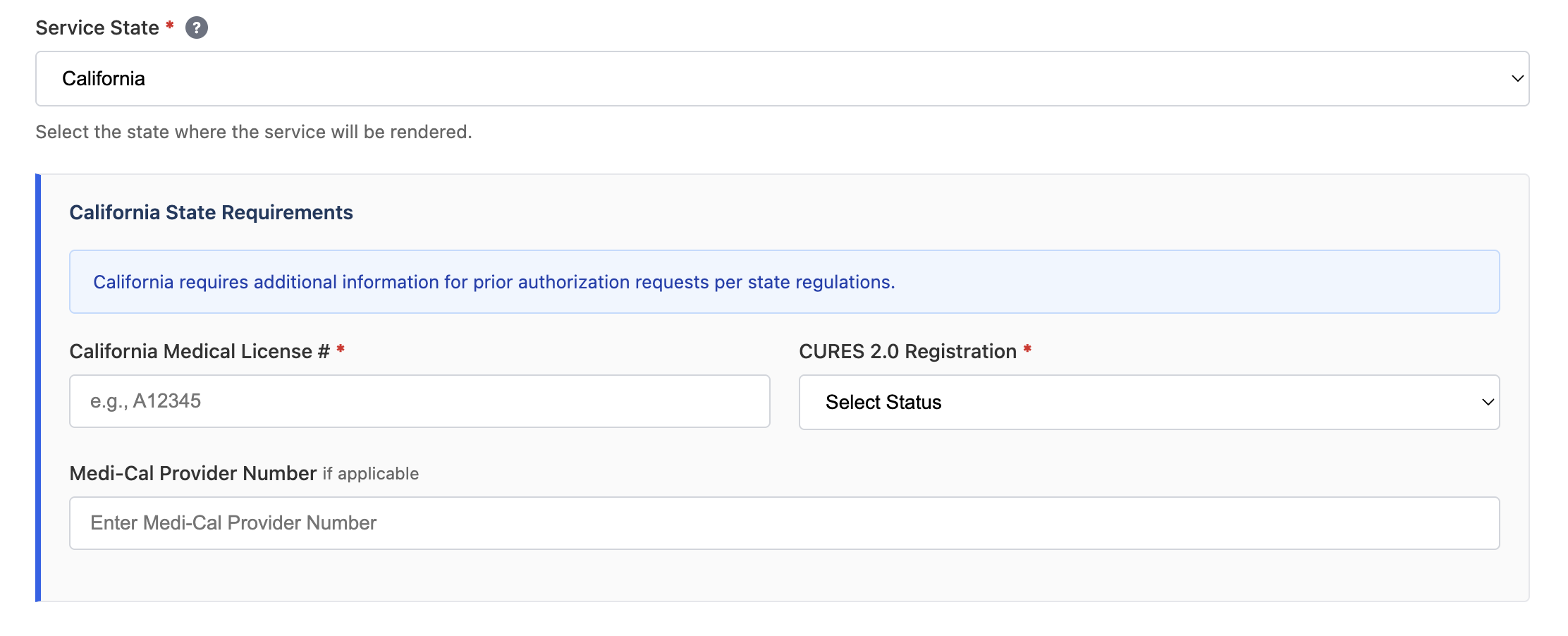
For example, a state dropdown on a healthcare form may have additional questions depending on the state selected.
data/variables.json
workspace/flow.py
Using configs
Use variables to build configurations that modify workflow behavior. This lets you maintain a single workflow while changing end states or actions based on config flags.data/variables.json
workspace/flow.py